How Do I Revert to a Previous Version of a Page?
Every time you click Submit, the version of the page changes. Cascade saves multiple old versions of a page that can be restored and republished if needed.
- Versions are not affected by drafts
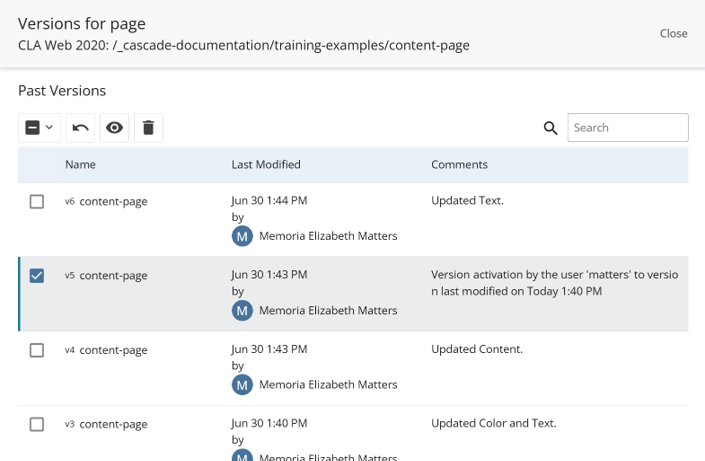
You can view or restore older versions of a page
- More > Versions
- Click the page name to view a preview of that version
- Select the page and click Restore to restore it as the current version