Social Media Guidelines

Whether you are managing a well-established account or launching an online community, this guide provides essential direction to ensure that our digital presence aligns with Purdue University’s values, brand voice, and the distinctive identity of the College of Liberal Arts (CLA).

Want to start a new project with the marketing team? Click below to get started!

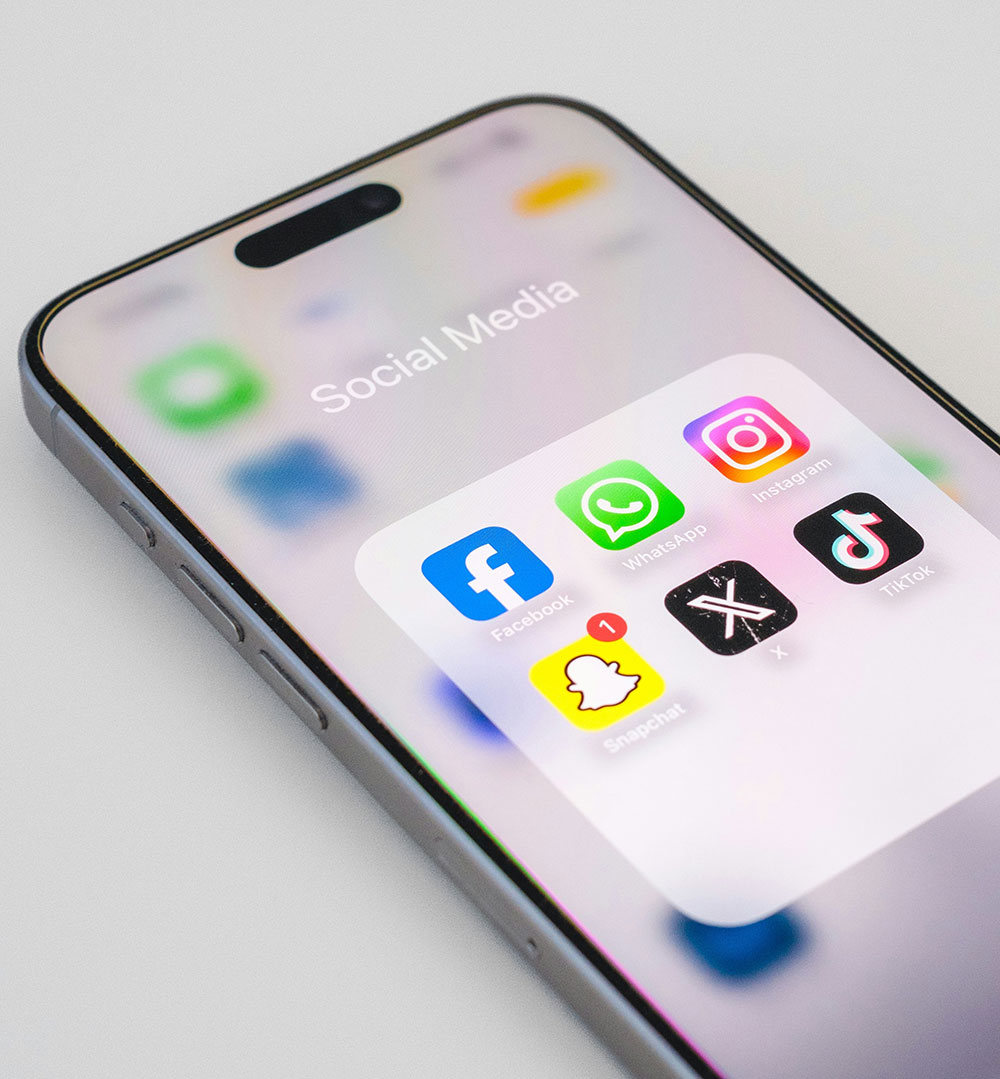
A smartphone that has a folder called Social Media with various social media app icons below it.

Social Media Essentials

Posts should be fresh, audience-relevant, and engaging. It may be helpful to look at the Purdue Liberal Arts or Purdue University Instagram, Facebook, and LinkedIn accounts as a model for posting.
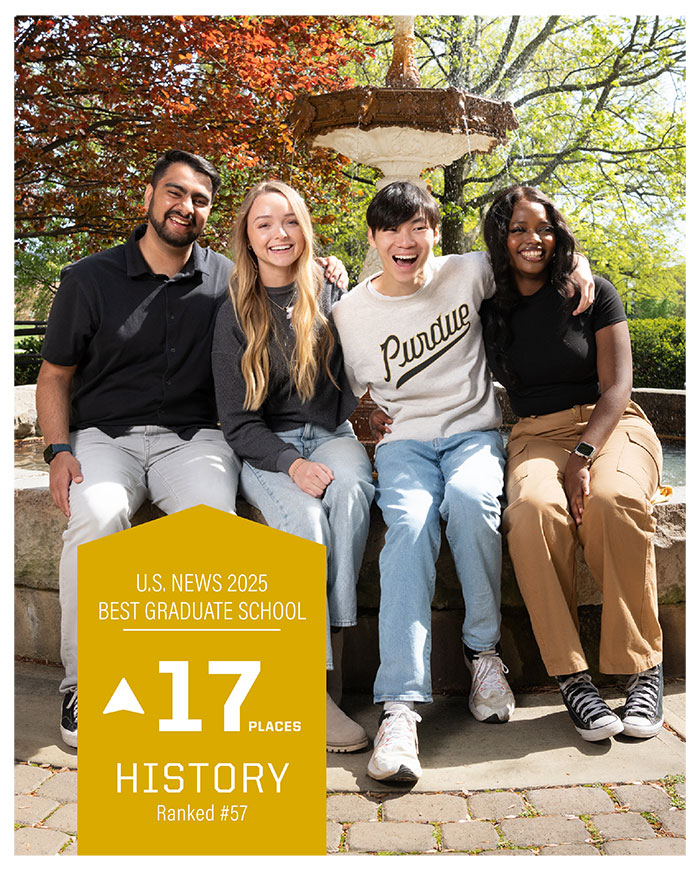
Four students smiling and sitting down by a large water fountain.
  • This PowerPoint provides an overview of best practices to amplify your social media impact.
  • For your post to be reposted by Purdue Liberal Arts, make sure to tag us @purdueliberalarts on Instagram, Facebook, and LinkedIn and email clamrket@purdue.edu to let us know when you are posting and on which channels.
  • All posts must be in-brand for CLA to share. Use Purdue branding to see approved fonts, colors, etc.
  • Highlight alumni, students, professors, and any accomplishments or awards that your department is receiving.
  • Never assume the audience knows what you're talking about in terms of names or programs, so spell them out whenever possible.

Best Practices

Collage of several different social media posts
  • Use correct dimensions for each platform. Each platform has a different posting dimension; don’t just use the same graphic size for every account.
  • Build and maintain a weekly content calendar.
  • Schedule content on Meta Business Suite or third-party content calendars like Hootsuite.
  • Use Purdue branding (approved fonts, colors, etc.).
  • Include a caption summarizing the post.
  • Link for Facebook and LinkedIn: if your post has a link, you can add it directly to the caption and a clickable thumbnail should appear.
  • Link for Instagram: Instagram doesn’t let you click a link from captions, so we recommend making a Linktree account. Add the Linktree account to your bio, then add post links to Linktree and use post captions to direct your audience to the link in your bio.
  • Consider channel audience when posting: Instagram is primarily used by students, prospective students, and young alumni; Facebook for parents and older alumni; and LinkedIn and X for professional posts (such as jobs, research, and internships).

How to be concise:

  • Always include who, what, when, why, where, how, and call to action (CTA).
  • Use active voice, not passive (ex. “She went to work.” vs. “She has been to work.”).
  • Use bit.ly to keep links short.
  • Use Purdue Editorial Style Guide for writing.

Photography:

  • Use high-resolution images; avoid blurry or pixelated photos.
  • Ensure that images are well-lit: natural lighting and avoid dim or dark settings.
  • Showcase smiling and engaged students (candid shots are great); avoid photos where people appear bored or disinterested.
  • Make sure the image looks clean, with minimal distractions in the background.
  • Stay on brand—highlight Purdue colors and recognizable campus scenery.
  • Capture campus life in action: students in classrooms, faculty and staff interactions, clubs, and organizations.
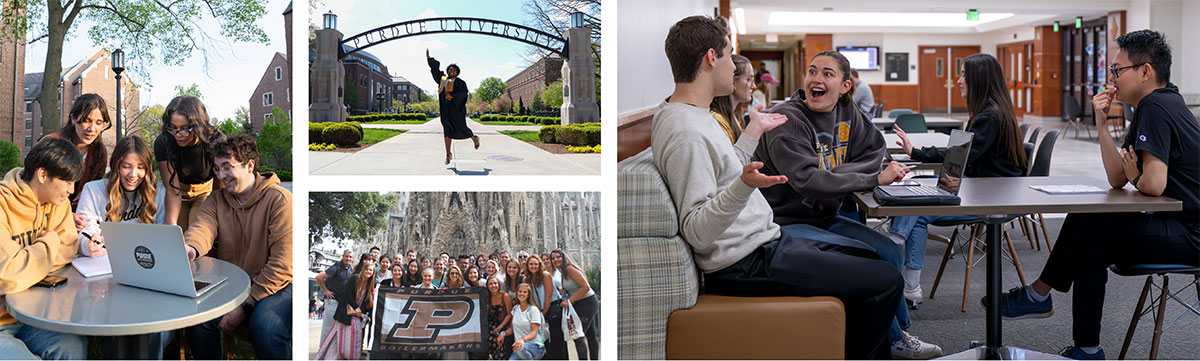
Collage of four different phots of students across various different campus locations.

Recommended Post Frequency

Three students smiling and looking at the camera.
  • Minimum: 3 times per week; Maximum: 5 times per week.
  • Don't exceed two posts on the same day.
  • Amplify, or reshare, other content as much as possible if it is relevant to your audience.

How to Expand Reach

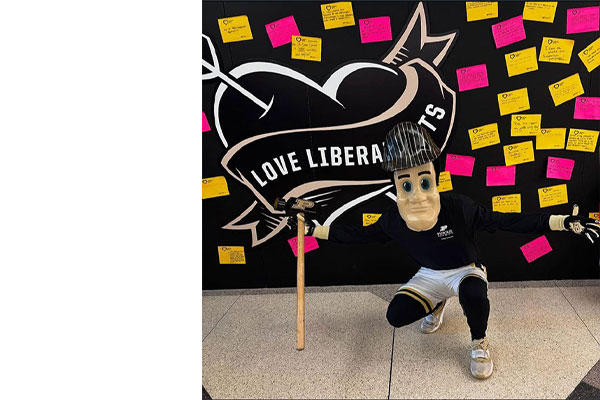
Purdue Pete kneeling in front of a College of Liberal Arts sign
  • Tag and reach out to other accounts to share.
  • Share about events before, during, and after.
  • Share about opportunities.
  • Collaborate with other CLA stakeholders.
  • Take Purdue calendar into consideration.